How to post a Module
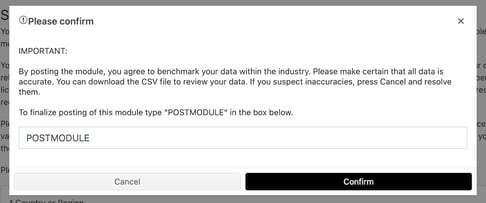
Once you have completed your self-assessment, you are ready to post it. You must be an Admin of an account to post the assessment, Editors do not have this permission.
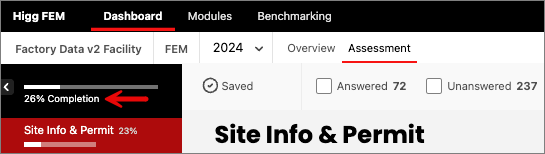
Make sure you have completed every question in the assessment fully before trying to post. You can check this by viewing the completion rate bar which reaches 100% when you have fully completed all questions.
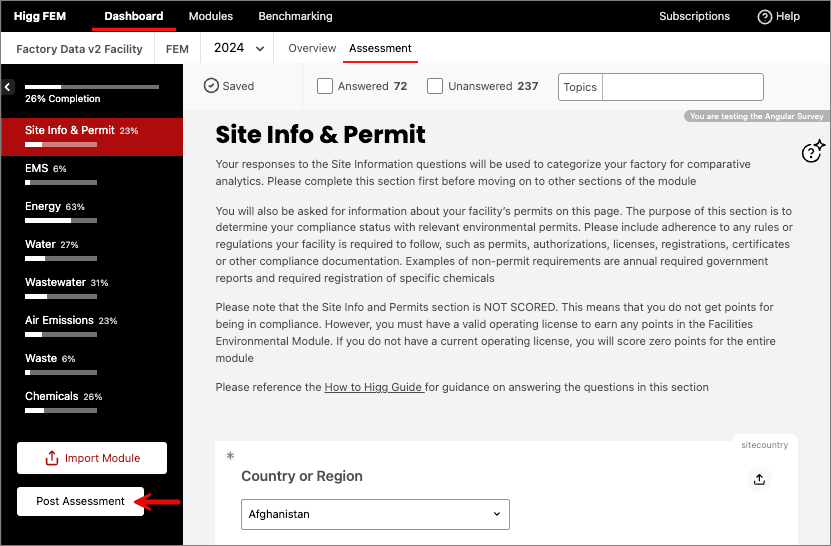
Then the assessment can be posted by using the ‘Submit/Post Assessment’ button in the left navigation bar. The platform will only allow you to post once the completion rate is 100%.
How to share a Module
If you are working with brand partners, you will need to share your self-assessment with them through the Higg platform. Assessments can be shared at anytime, however, the data within the assessment is only visible to the share recipient after it has been posted.
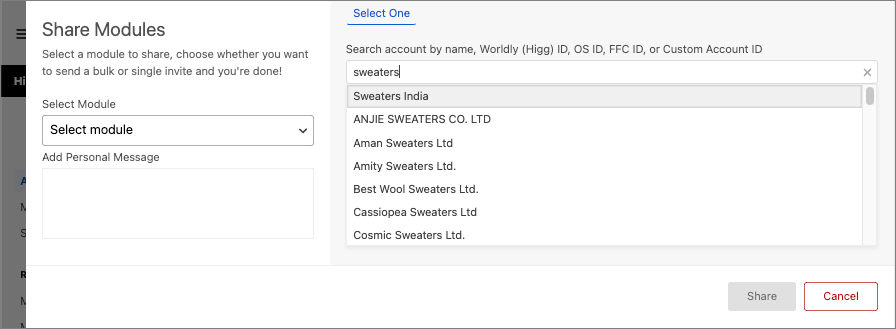
- To do this, go to the Modules page and select Share Modules.
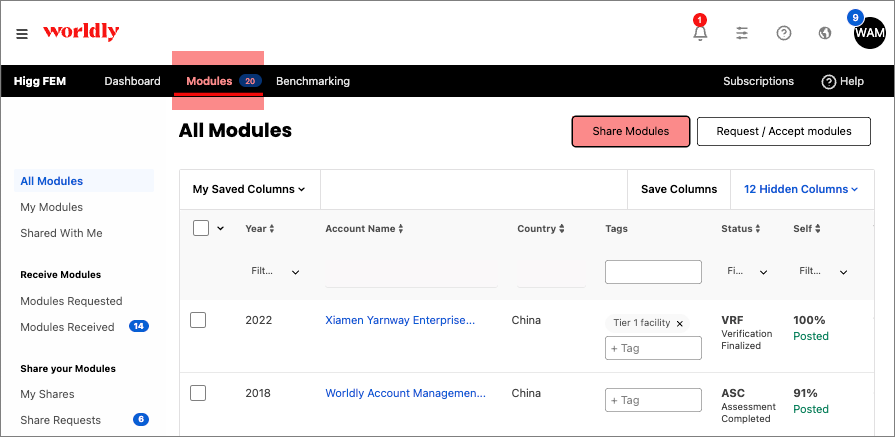
- Select the Module you would like to share from the dropdown menu.
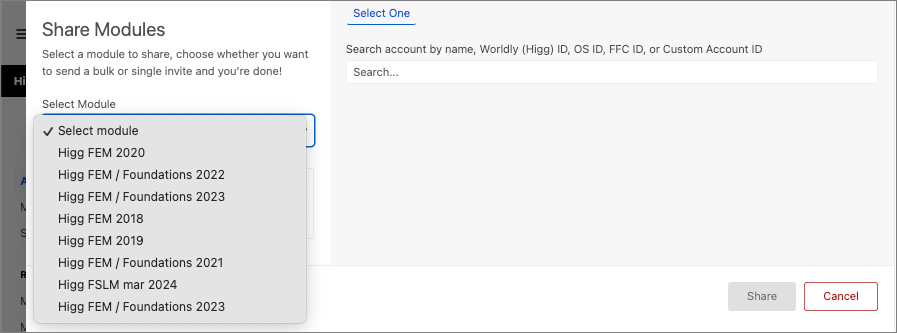
- In the search bar, look for the account you want to share the module with. You can search by name, Worldly (Higg) ID, OS ID, FFC ID, or Custom Account ID.