If you are a Worldly member and the facility has shared the assessment with you via Worldly, this process eliminates the need to request the report directly from the facility through the Gateway sharing process. You can access it directly through your Worldly account.
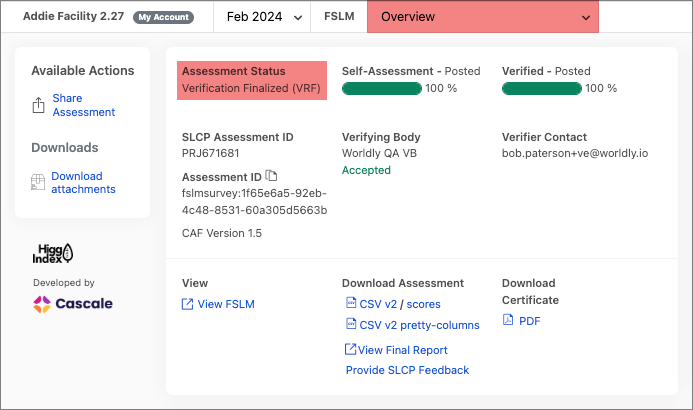
- Navigate to the Assessment Overview page within your Worldly account and confirm that the assessment is fully finalized in VRF.
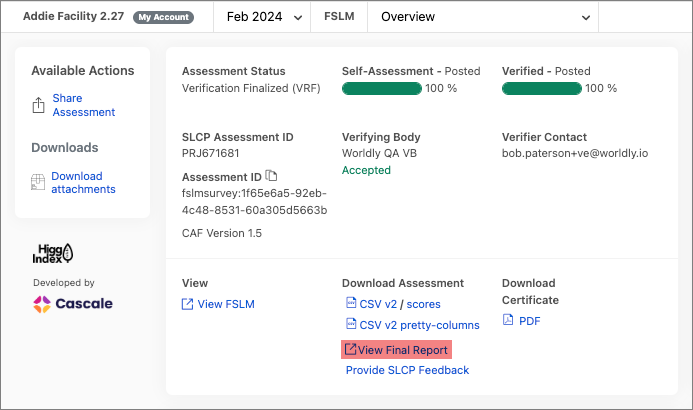
- Select the View Final Report link on the same page, this is specifically for users logged into Worldly to view their facility assessment information.
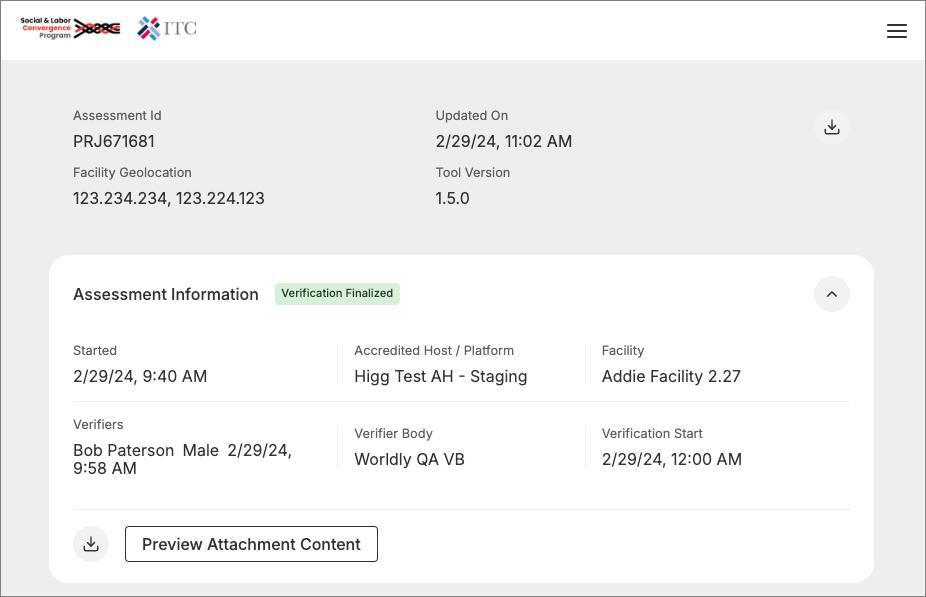
- You will be redirected to the Gateway platform.
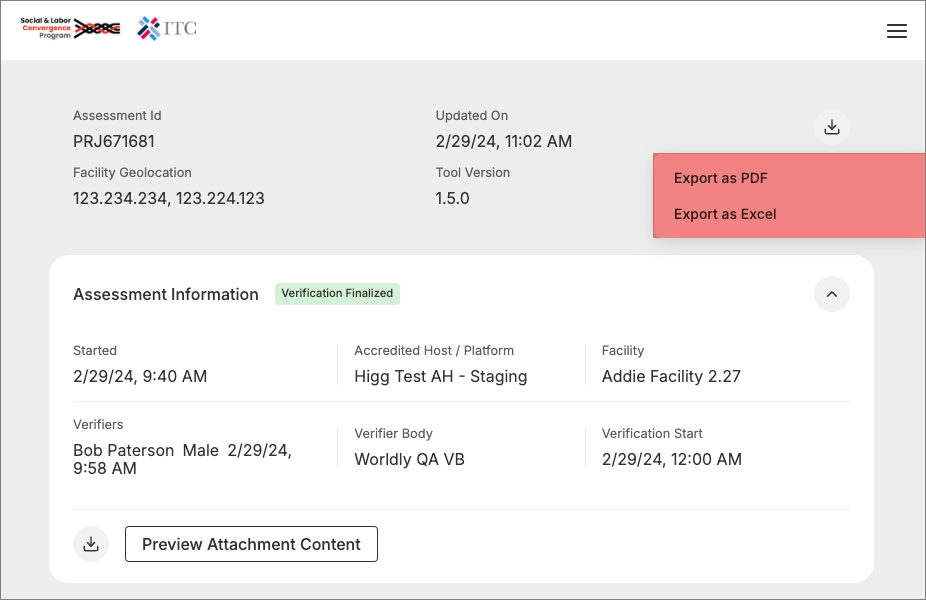
- From the download button in the upper right corner of the screen, select Export as PDF or Export as Excel.