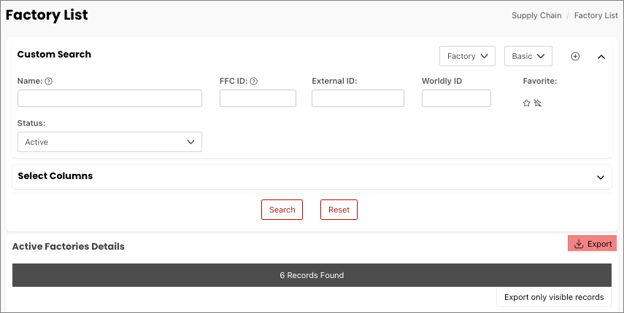
To view a complete listing of all the active factory accounts of the brand you're affiliated with, you need to search through the factories.
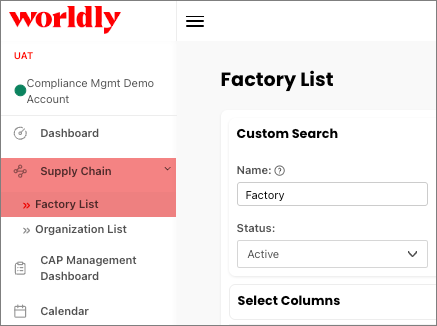
- Begin by selecting Supply Chain from the left-hand navigation menu. Select Factory List.
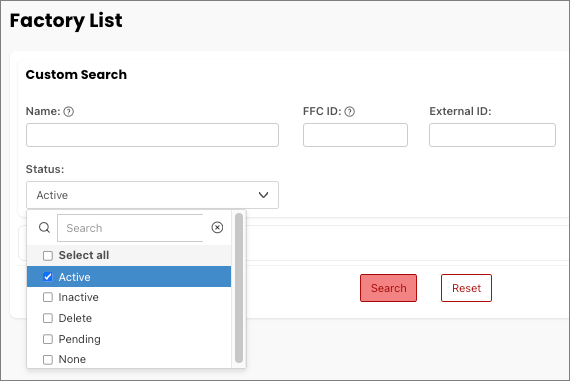
- In the Custom Search window under Status, select Active followed by Search.
- View the results in the Active Factories Details window. For example, this account has 6 active factory accounts. Use the Export function to export the factory list to Excel.